AT 319 Week 9 - Wolf Creek Volumetrics
The lab for week 9 was an exercise in which a DSM was used to calculate the volume of a specific pile for the Wolf Creek Dredging Operation. Due to the pile being within a larger DSM, I first had to create a polygon feature class to create a clip of the pile in question (Figure 1).
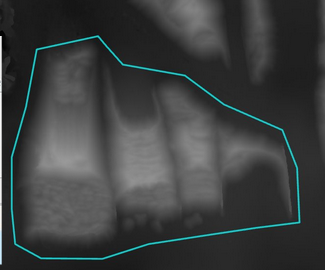
From this, I used the Extract by Mask tool to clip out that area of the DSM. I noted the difference between the min and max elevations of the full DSM and the clip. The lower limit is pretty close between the two, with the original one being 225.044m and the clip being 225.743m. However, the upper limit of the original is 254.628m, while the clip is about 10m lower at 244.599m.
Due to the small cell size of the data, which is unnecessary, I resampled the data to get a more appropriate cell size of 50cm, using "bilinear" as the resample technique. The bilinear technique calculates the value of each pixel by averaging (weighted for distance) the values of the surrounding four pixels and is suitable for continuous data, which is what the data is. Then, I used the Calculate Volume tool to find the volume of the pile. The result can be seen in figure 2.


Comments